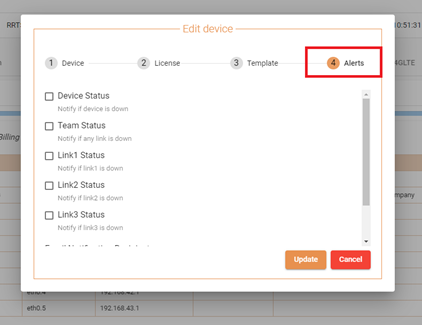
Logged into the Devices Portal, edit the DEVICE INFORMATION (Pencil Icon).
Click on the Alerts Tab.
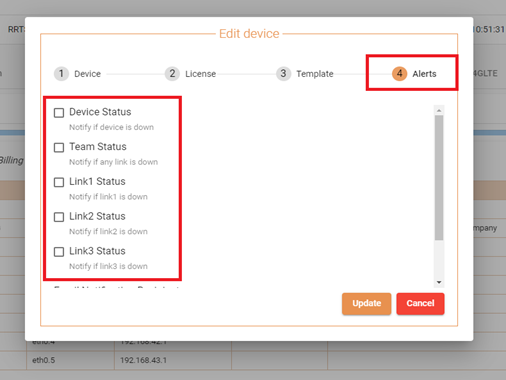
Put a check on the Checkbox for the Alerts the user wants to receive notification from.
Device Uptime – This alerts the user when the device goes offline.
Team Status – This sends an email alert to the registered email when Link1, Link2 or Link3 goes down.
Link1 Status – This sends an email alert to the registered email when Link1 goes down.
Link2 Status – This sends an email alert to the registered email when Link2 goes down.
Link3 Status – This sends an email alert to the registered email when Link3 goes down.
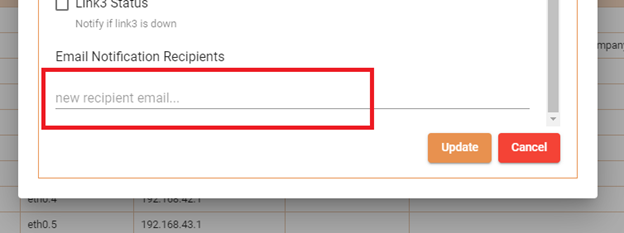
At the very bottom, type in the email address the user wants to send the alerts to. Multiple emails are accepted provided that they are added individually.