


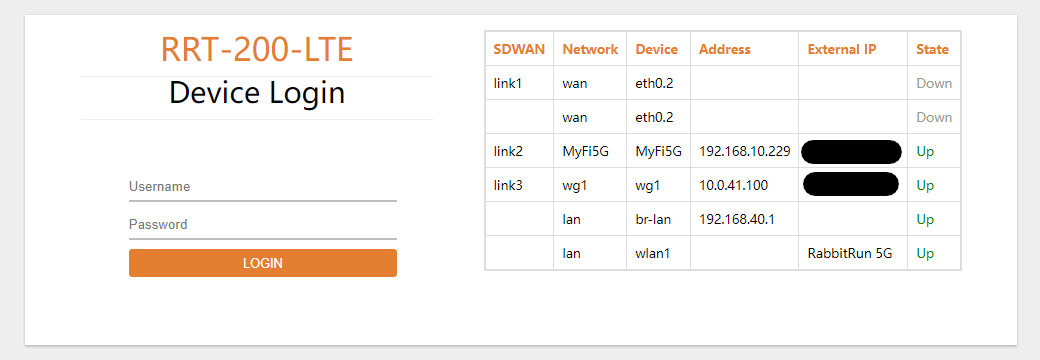
- Log in to the Device WebUI
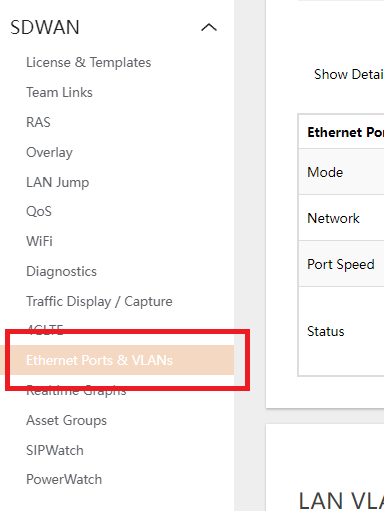
- Navigate to SDWAN > ETHERNET PORTS & VLANS
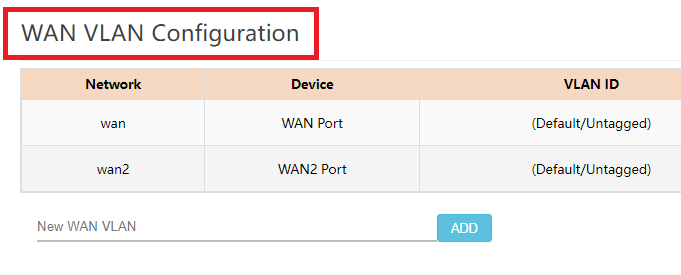
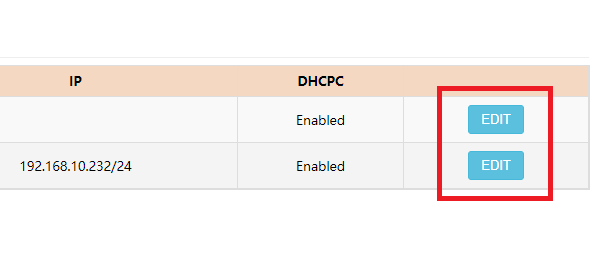
- In the WAN VLAN Configuration, click on EDIT Button of the Interface you want to setup.
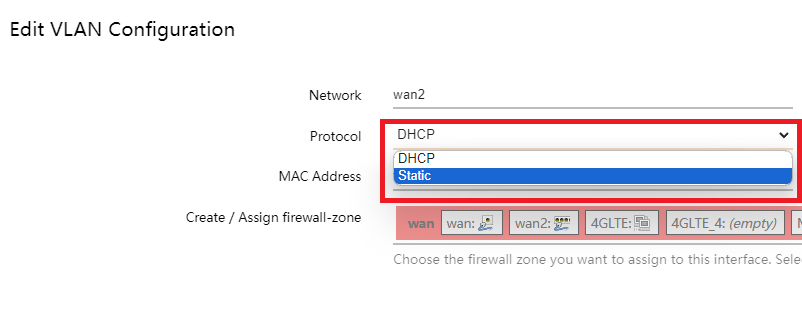
- Set PROTOCOL to STATIC.
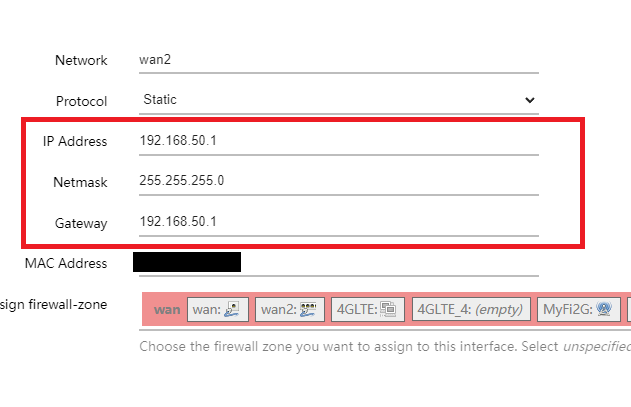
- Type in the IP ADDRESS, GATEWAY ADDRESS and the SUBNET MASK.
- Click on SAVE.