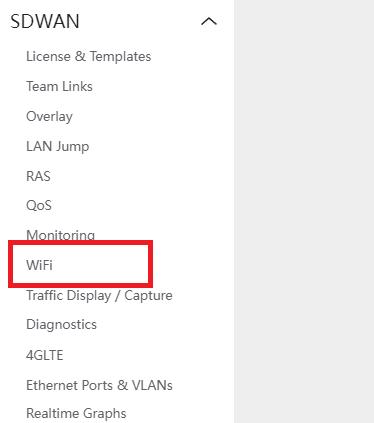
- Navigate to SDWAN > WIFI
- Select the AP/GUEST network the user want to enable and configure
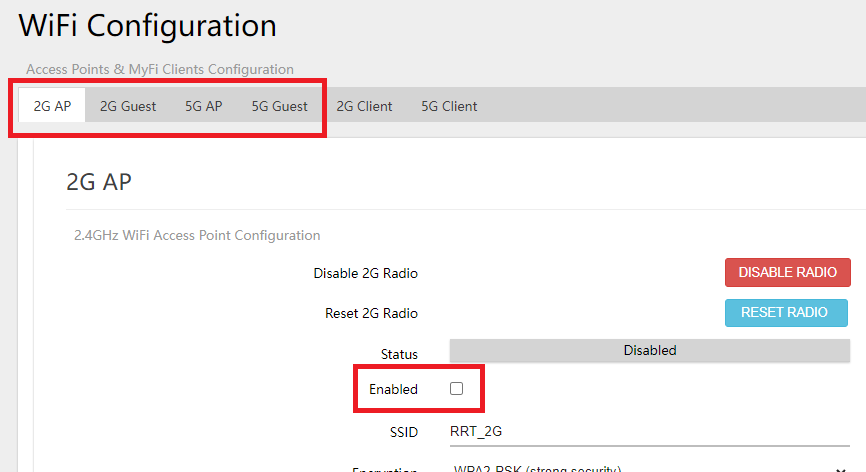
- Check the ENABLE checkbox to enable the WIFI AP/GUEST
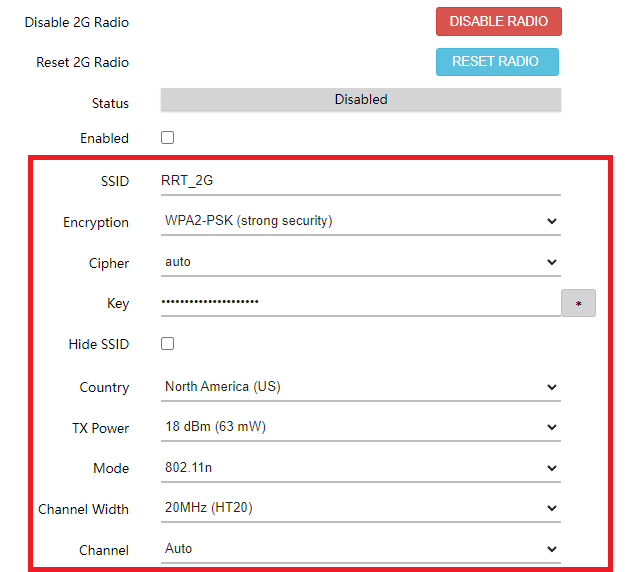
- Fill out the details for SSID, PASSWORD and change other details as the user prefers.
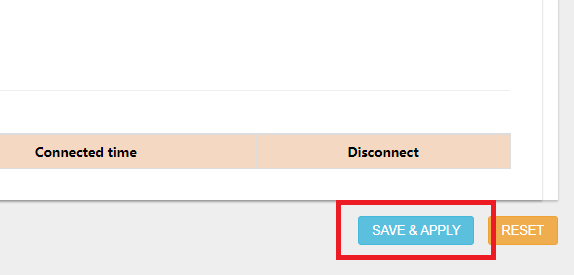
- Click SAVE & APPLY to save the changes.