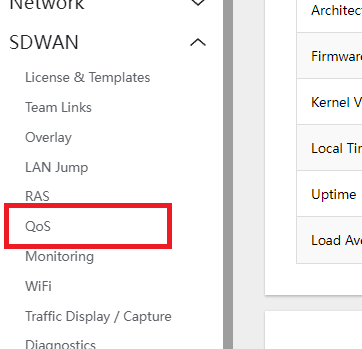
- Navigate to SDWAN > QoS
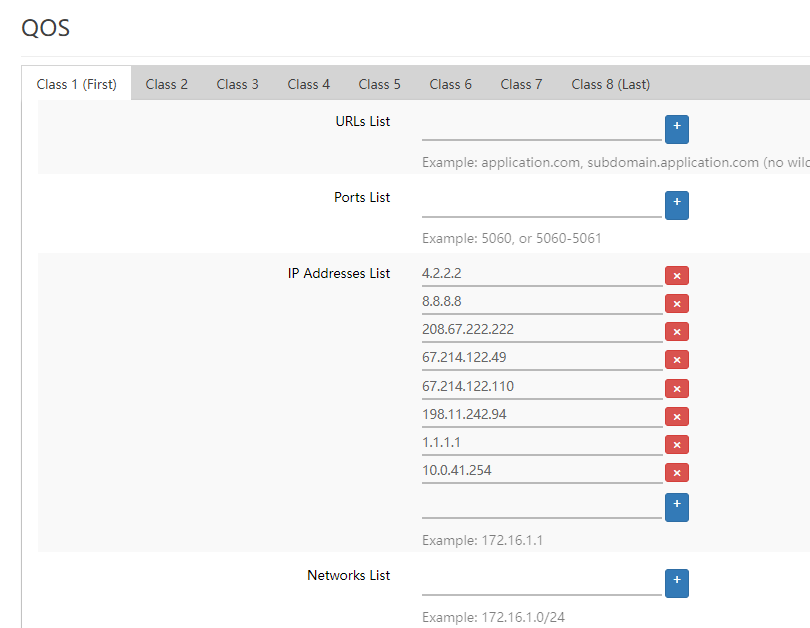
- Type in the URLs, IPs, Ports, Networks, etc to all CLASSES of the QoS that the user wants to prioritize traffic of.
- Note: Traffic from CLASS 1 comes first than the traffic from CLASS 2, CLASS 2 first than CLASS 3, etc.
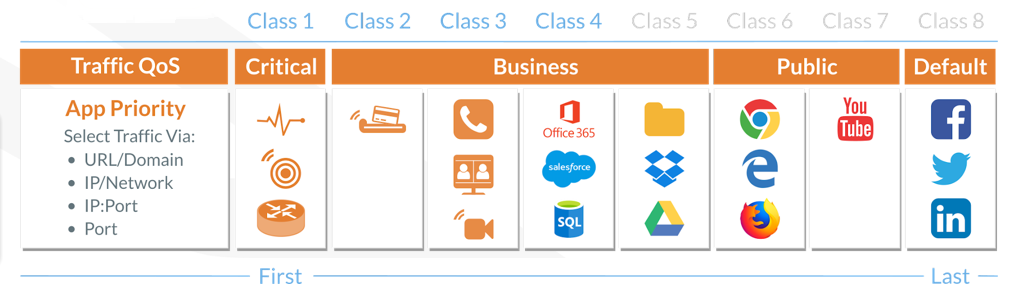
- Support usually adds phones to CLASS 2 and other apps like POS to CLASS 3.
- Note: Traffic from CLASS 1 comes first than the traffic from CLASS 2, CLASS 2 first than CLASS 3, etc.
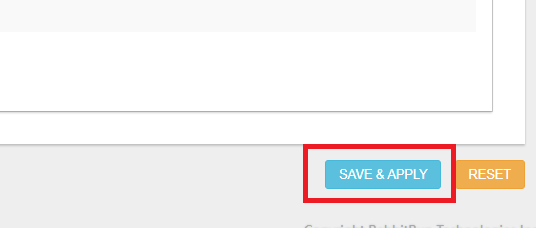
- Click on SAVE & APPLY to save the changes.