


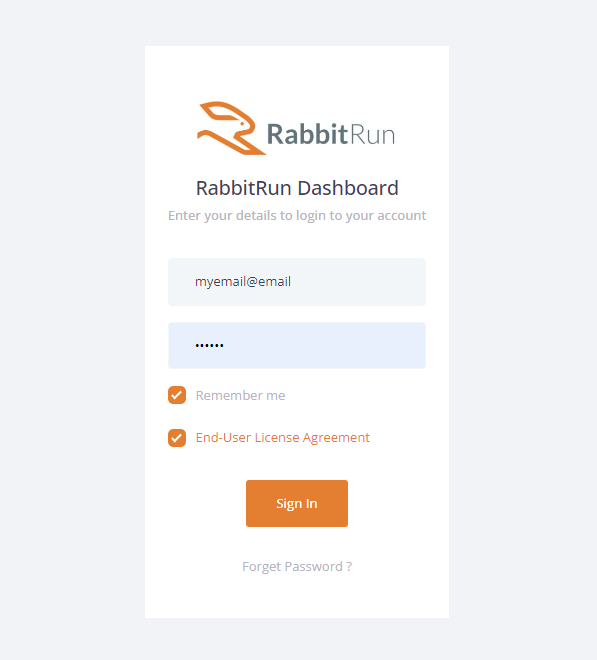
- Log in to the portal https://customers.rabbit.run/
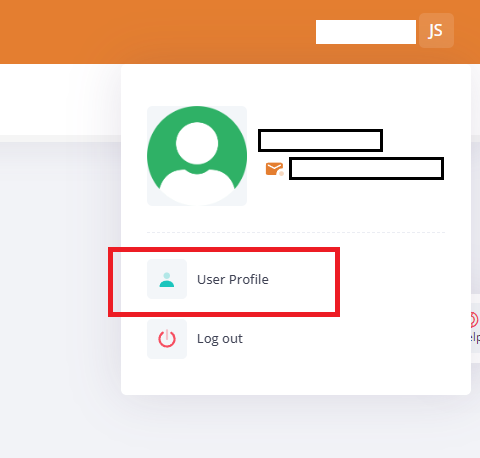
- Click on your name (top-right corner) in the customer portal and then click on User Profile.
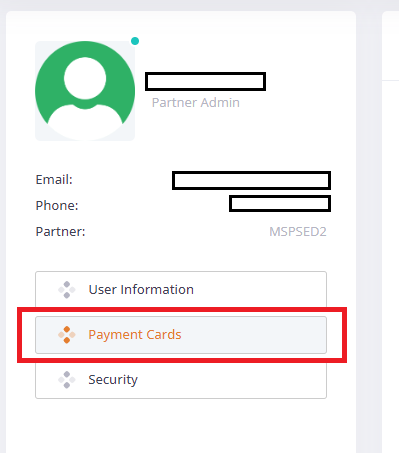
- Go to Payment Cards on the left side of the screen.
- Fill in details and Add a new card.
- Click on “ALLOW OTHER USER” to allow other Users of the Organization to use the CC.
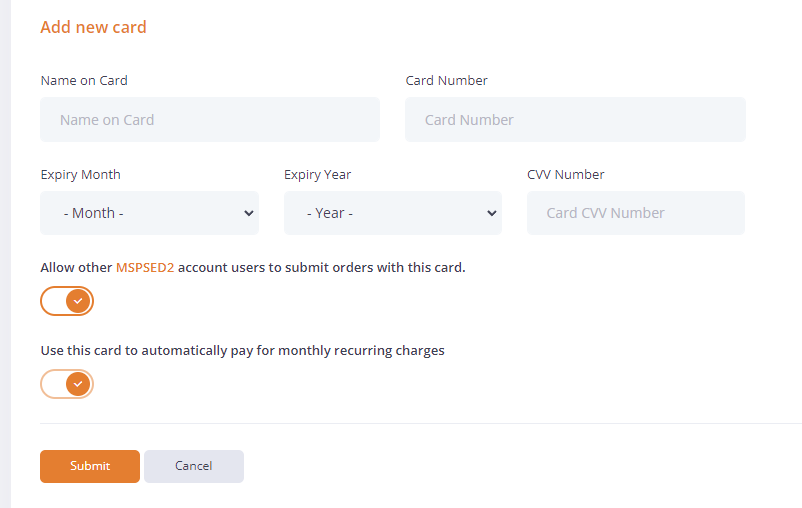
- Click on “ALLOW OTHER USER” to allow other Users of the Organization to use the CC.