- WiFi Networks can also be set as SDWAN Links (refer to TEAM LINKS Section to enable WiFi as a Link).
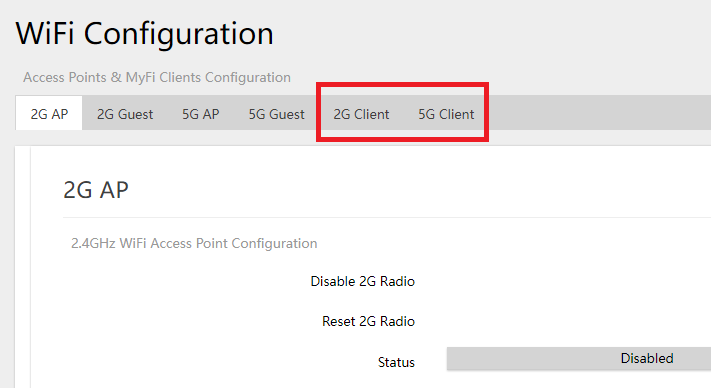
- To enable 2G and 5G Clients, navigate to SDWAN > WIFI
- Select the WIFI CLIENT the user wants to enable and configure
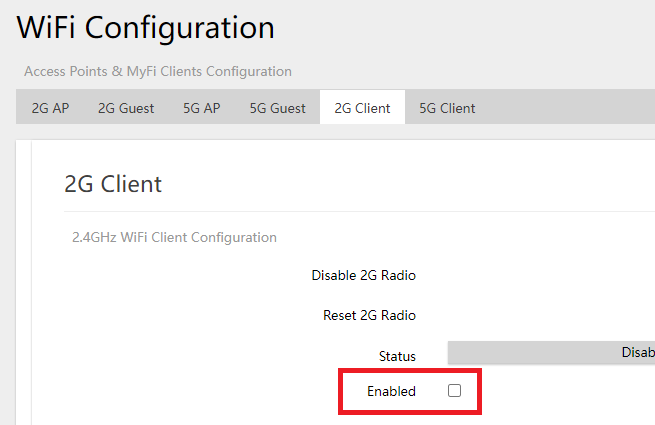
- Check the ENABLE checkbox to turn on the WIFI CLIENT
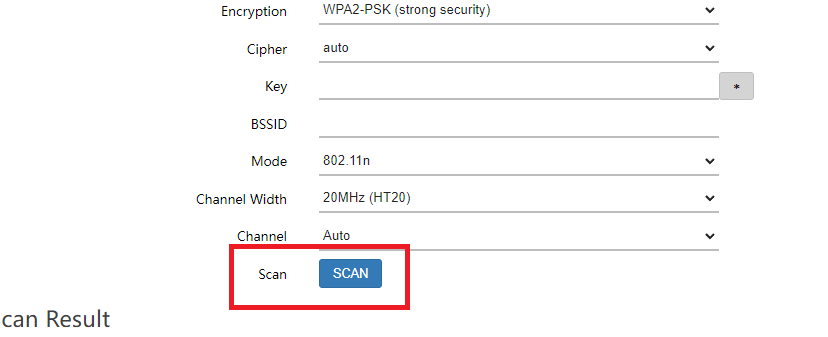
- Click on the blue SCAN button to see available WiFi Networks to connect to.
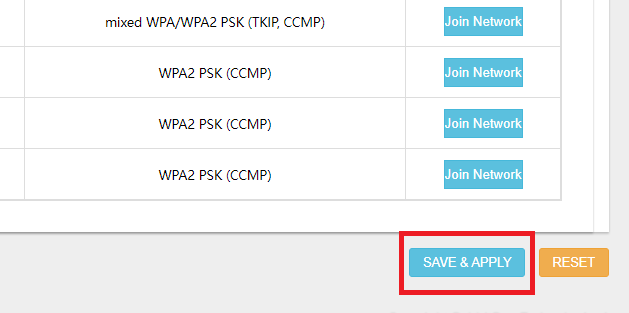
- Click the JOIN NETWORK button of the WIFI Network the user wants to connect to.

- Fill out the KEY field.
- Note: The KEY field in this case is the password of the WiFi Network the user wants to join into.
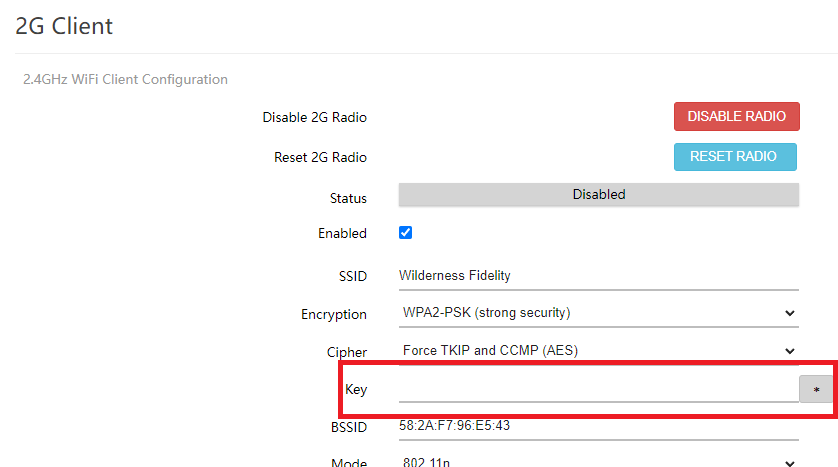
- Note: The KEY field in this case is the password of the WiFi Network the user wants to join into.
- Click SAVE & APPLY