


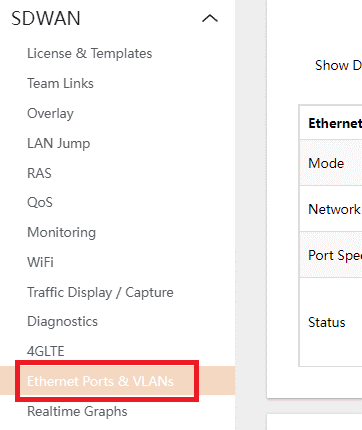
- Navigate to SDWAN > ETHERNET PORTS AND VLANs
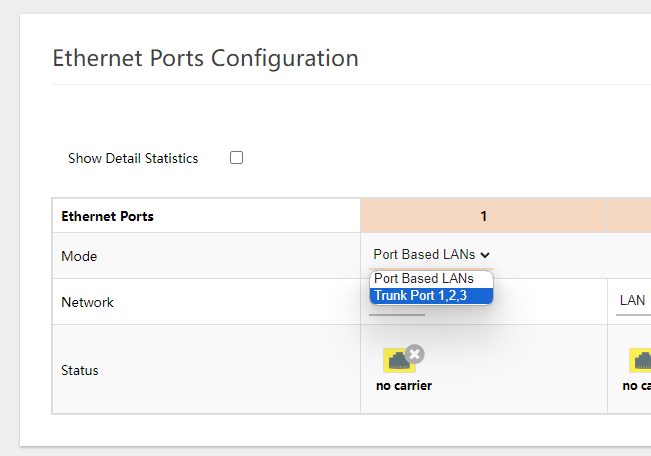
- Under the ETHERNET PORTS section, set the MODE to TRUNK PORT 1,2,3
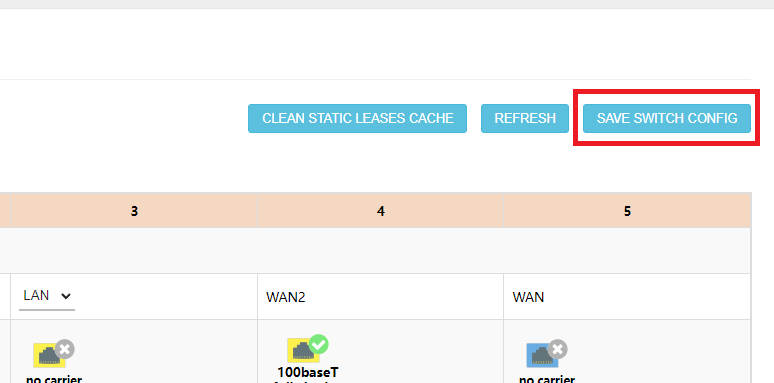
- Hit SAVE SWITCH CONFIG
- Under the LAN VLAN CONFIGURATION section, click on the EDIT to modify the already existing VLANS.
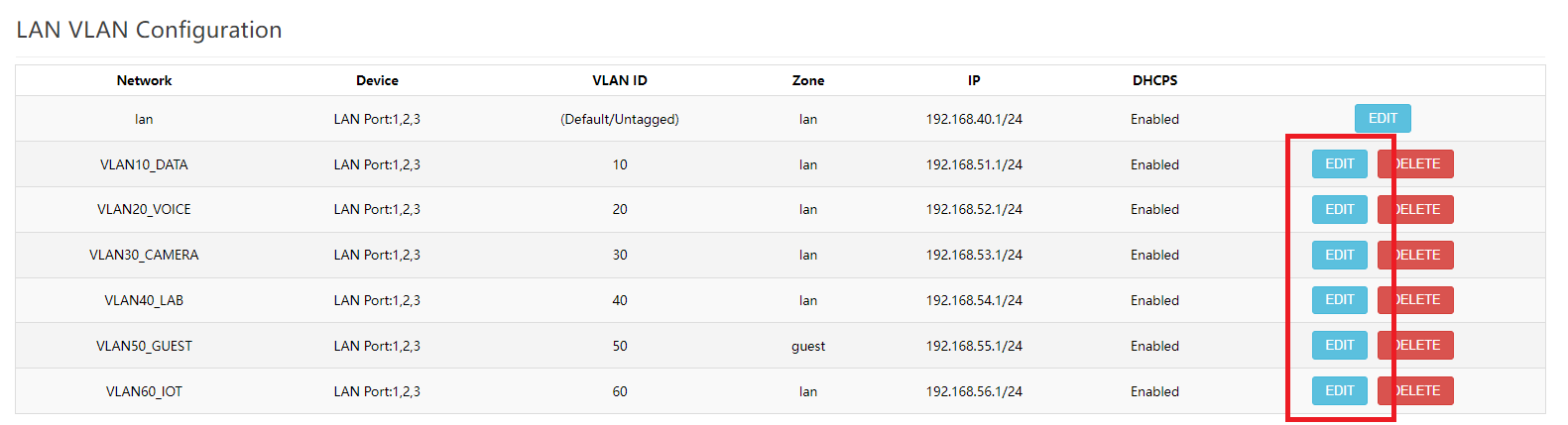
- Edit the NETWORK field for the VLAN name, VLAN ID and the IP ADDRESS for the Subnet.
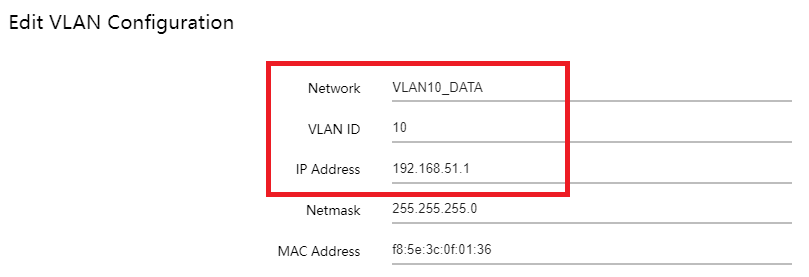
- Click on SAVE to apply the changes done.
- To add a new VLAN, type out in the NEW LAN VLAN field the desired VLAN name and click ADD.
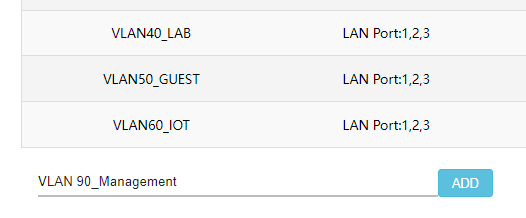
- Modify the VLAN Configuration as desired and hit SAVE to apply the changes.