


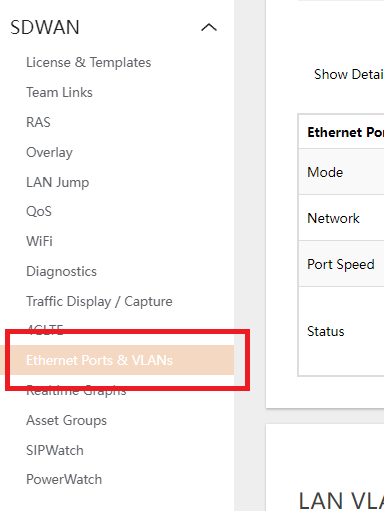
- Navigate to SDWAN > ETHERNET PORTS & VLANS.
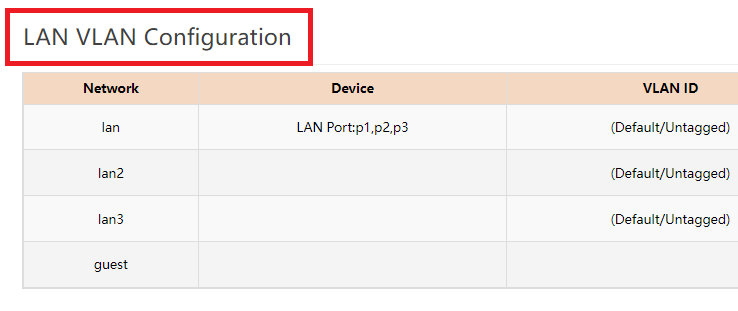
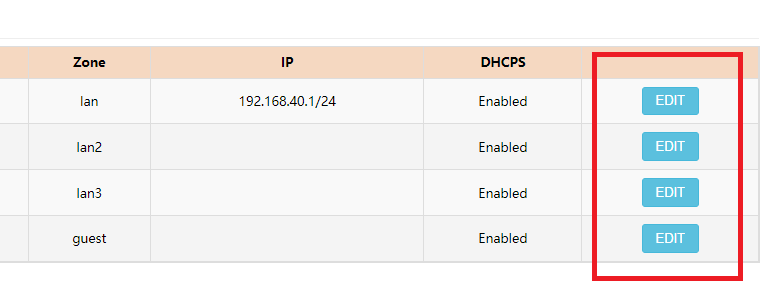
- Under the LAN VLAN CONFIGURATION Section, click the EDIT button of the interface (LAN, LAN2, LAN3) the user wants to set up.
- Edit the IPV4 ADDRESS field to the subnet preferred by the user.
- START and END set the range of the lease.
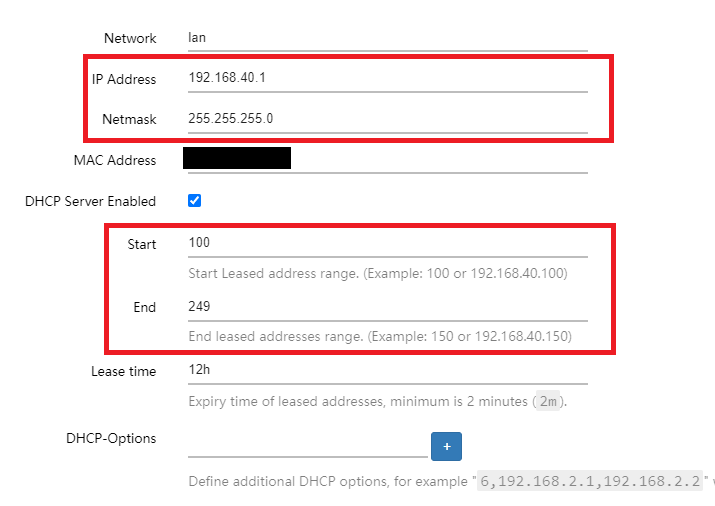
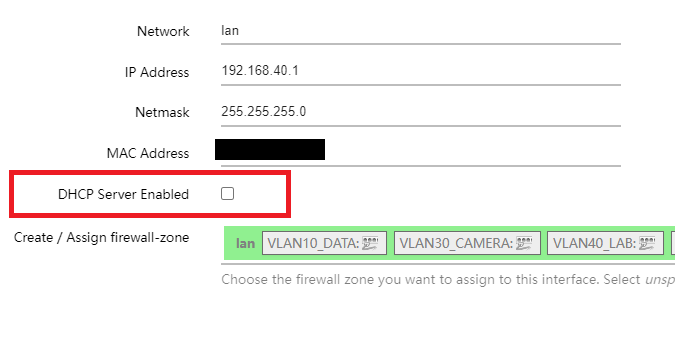
- If the user desires to DISABLE the DHCP SERVER of the LAN interface, uncheck the DHCP SERVER ENABLED box.
- START and END set the range of the lease.
- Hit SAVE and SAVE to apply the changes.
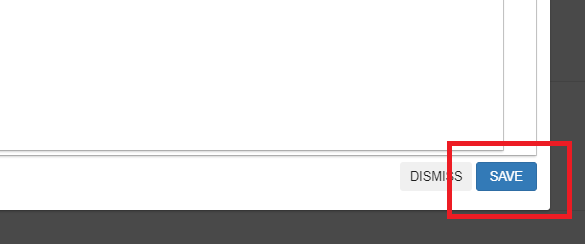
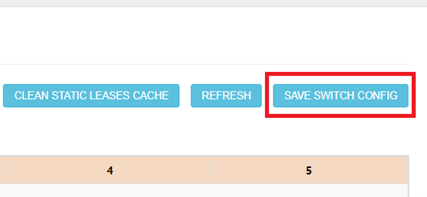
- Hit SAVE and SAVE SWITCH CONFIG buttons to save the changes made.
- Repeat the process for LAN2 and LAN3 to configure.