

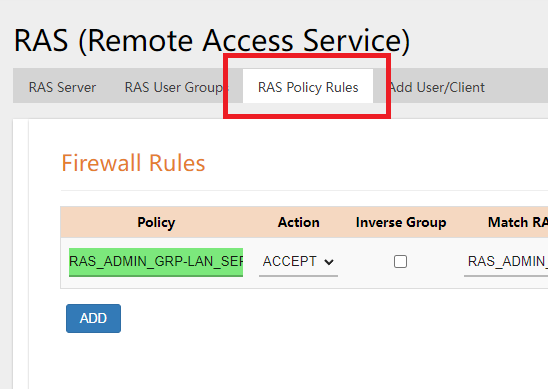
- Click on the RAS POLICY RULES Tab.
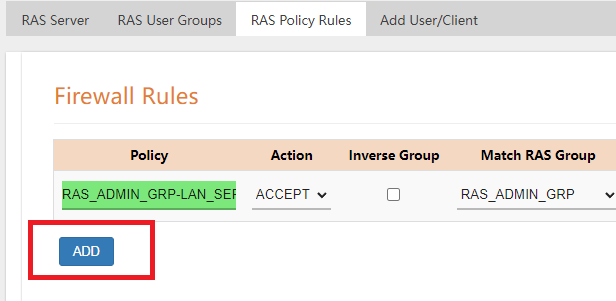
- Click on the ADD button to add another Rule (existing rule can also be edited).
- Type in the name desired for the RULE.
- Under MATCH RAS GROUP, select the User Group user wants to give access too.
- Under MATCH LAN GROUP, select the assets the user wants to be given access to.
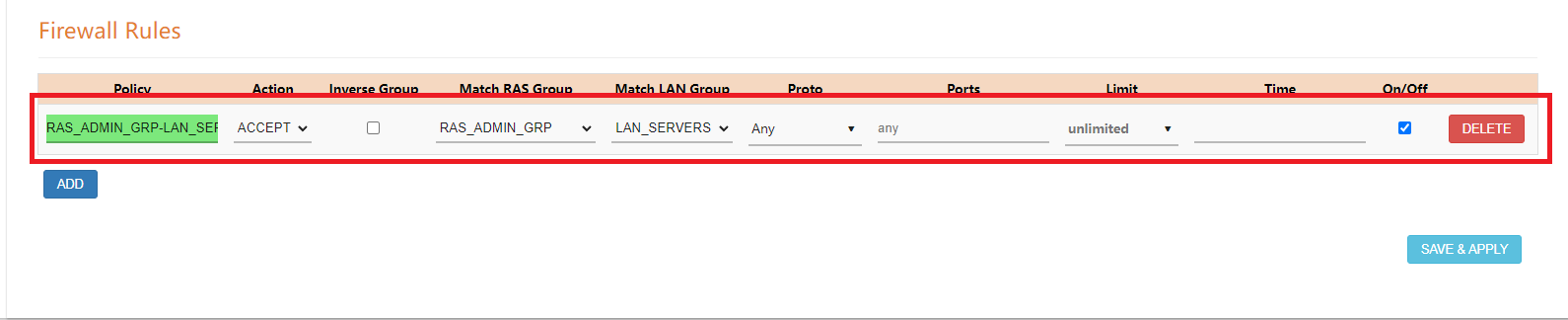
- Select the PROTO, PORTS, and LIMIT. Select SAVE&APPLY to save the changes.

Small Business SD-WAN