


The RRT RAS can limit users’ access to the network resources by grouping assets (Asset Groups).
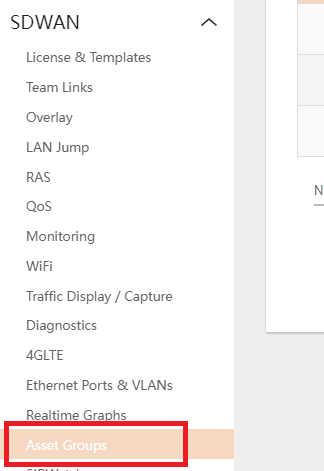
- To addn navigate to SDWAN > ASSET GROUPS
- Click on the DELETE button to remove default Asset Groups if desired.
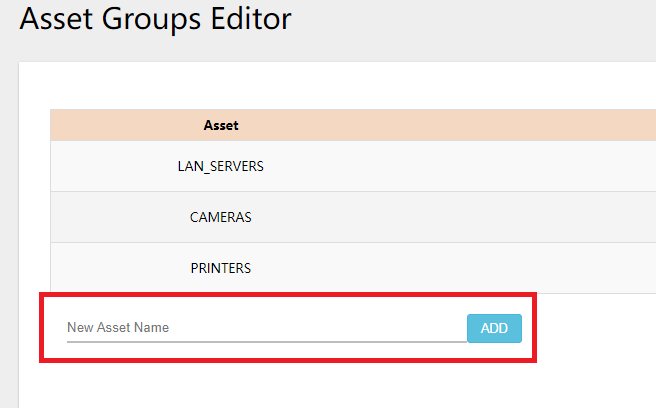
- To add a Group, type in the LABEL of the desired asset group in the bottom text field and click on the ADD button.
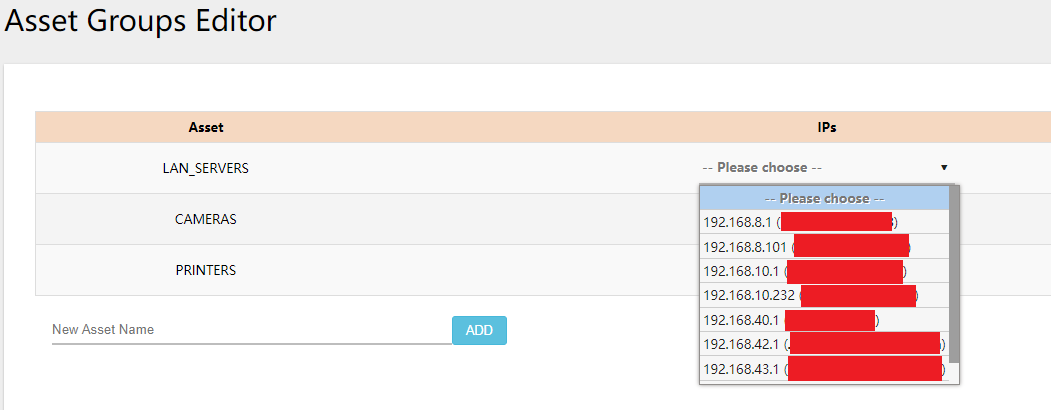
- Under the Asset Group’s section, click on the IPs dropdown and select the LAN Devices assigned to the group (e.g., DVR IP for Cameras Group, etc.)
- Hit SAVE&APPLY to save all the changes made.